




Order delays are one of the most common problems growing businesses face. Whether it is manufacturing, ecommerce, distribution, or service-based work, delayed orders slowly damage customer trust, team morale, and cash flow.
In our experience working with order-driven teams, delays rarely happen because people don’t work hard. Most delays happen because orders are not managed clearly on a daily basis.
This article explains:
This is written to help you make a safer, informed business decision, not to push sales.
Order delays usually don’t come from one big mistake. They come from small gaps across daily order management.
Common signs businesses notice:
These are process problems, not people problems.
Many teams receive orders through:
When orders are not recorded in one system, some orders get missed, duplicated, or delayed.
Business impact: Teams spend time searching for order details instead of processing them.
In many businesses:
When no one clearly “owns” an order, follow-ups don’t happen on time.
Business impact:Orders move slowly, even when teams are busy.
Excel sheets and notebooks work only up to a point.
As order volume increases:
Managers often don’t know which orders are delayed until customers complain.
Business impact:Orders move slowly, even when teams are busy.
Without a live view:
This creates reactive work instead of planned work.
Sales, operations, dispatch, and billing often work in silos.
Without a shared order view:
Sales, operations, dispatch, and billing often work in silos.
When businesses don’t track:
The same mistakes repeat every week.
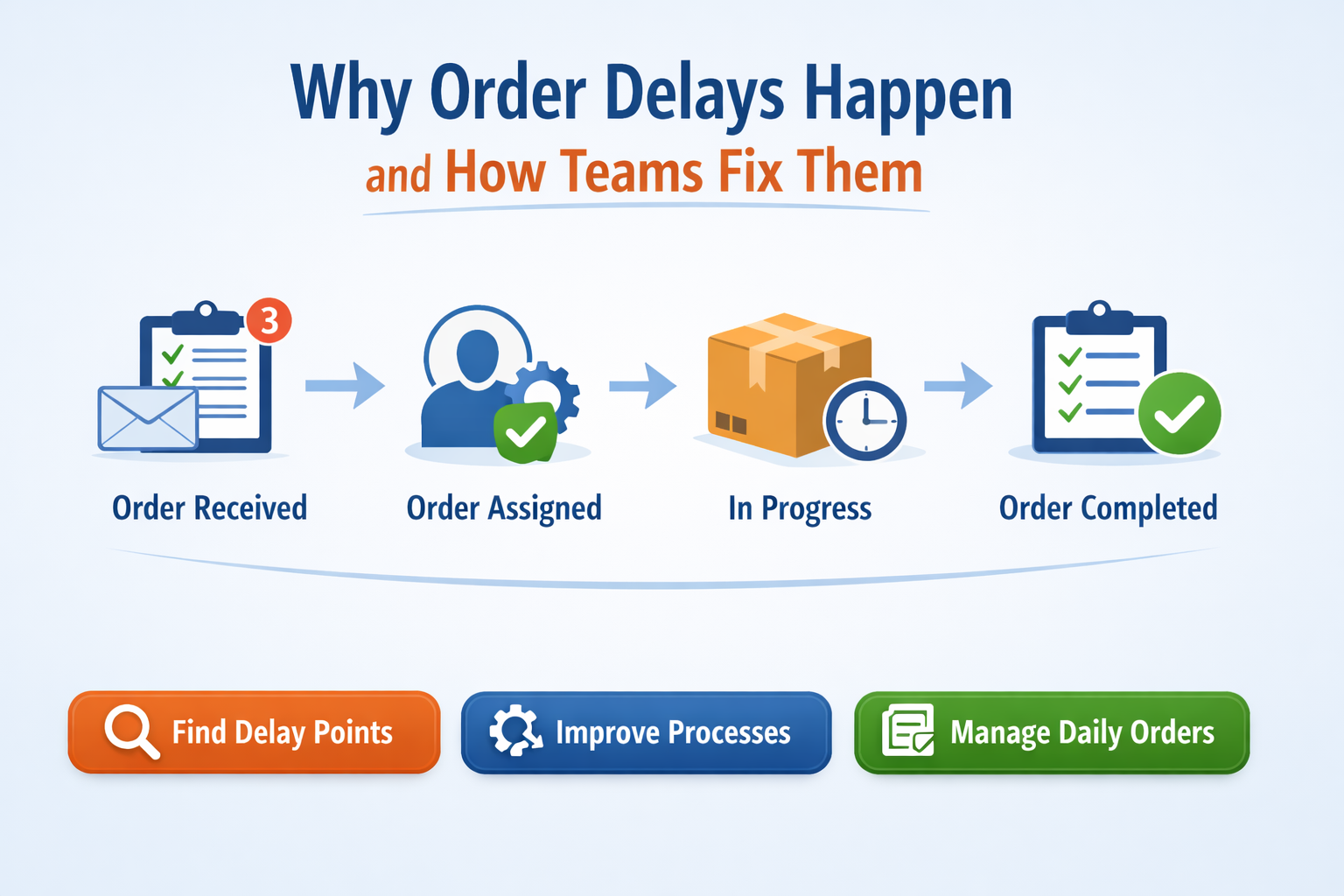
Before fixing delays, successful teams map their order workflow.
A simple order flow usually looks like:
Teams then ask:
This clarity helps businesses move from guesswork to control.
Teams bring all orders into one system instead of scattered tools.
This helps:
This is where an OMS software becomes useful—not as a luxury, but as a workflow necessity.
Each order is assigned to:
Clear ownership improves accountability without micromanagement.
Teams track orders as:
This allows managers to spot delays before customers do.
Not all orders are equal.
Teams fix delays by:
This improves daily planning and reduces last-minute pressure.
Instead of phone calls and messages, teams rely on:
This saves time and avoids confusion.
Teams that improve fastest review:
This turns delays into learning opportunities.
Order management software supports teams by:
The goal is not automation for the sake of technology.
The goal is process clarity.
A well-implemented order management software helps teams move from reactive work to planned execution.
From working closely with operational teams, we’ve seen that businesses need:
Promato is designed around real business workflows, not complex dashboards. Teams use it to manage daily order management clearly, even as order volume grows.
The focus is on:
You should consider an OMS software if:
If your order volume is still very low and fully visible, manual methods may work. The right time to adopt an OMS is before delays start hurting relationships.
Order delays don’t mean your team is failing. They usually mean your order workflow has outgrown manual tracking.
Businesses that fix delays early:
Understanding your real problems and choosing the right structure—whether process changes or an OMS—helps you grow without losing control.
Written by: Promato Operations Team
Our team works closely with growing businesses to understand order workflows, coordination challenges, and daily execution problems across industries.